
Why Every SaaS Business Needs a Client Portal (And How to Get It Right)
A client portal is no longer a nice-to-have for SaaS businesses—it’s a core part of your product and customer experience. Learn why client portals matter, what they unlock for your team and users, and how to build or choose one that actually drives adoption and retention.
Introduction
In SaaS, your product isn’t just the features on your roadmap—it’s the entire experience your customers have with your company. From onboarding and support to billing and renewals, clients expect everything to be fast, self-serve, and always available.
That’s exactly where a client portal comes in. A well-designed portal centralizes communication, documents, support, and account management into a single, secure hub. For growing SaaS businesses, it’s one of the most powerful levers for improving retention, reducing support load, and delivering a premium experience at scale.
In this article, we’ll break down why client portals are so important for SaaS, what they should include, and how to implement one that your customers actually use.
What Is a Client Portal in SaaS?
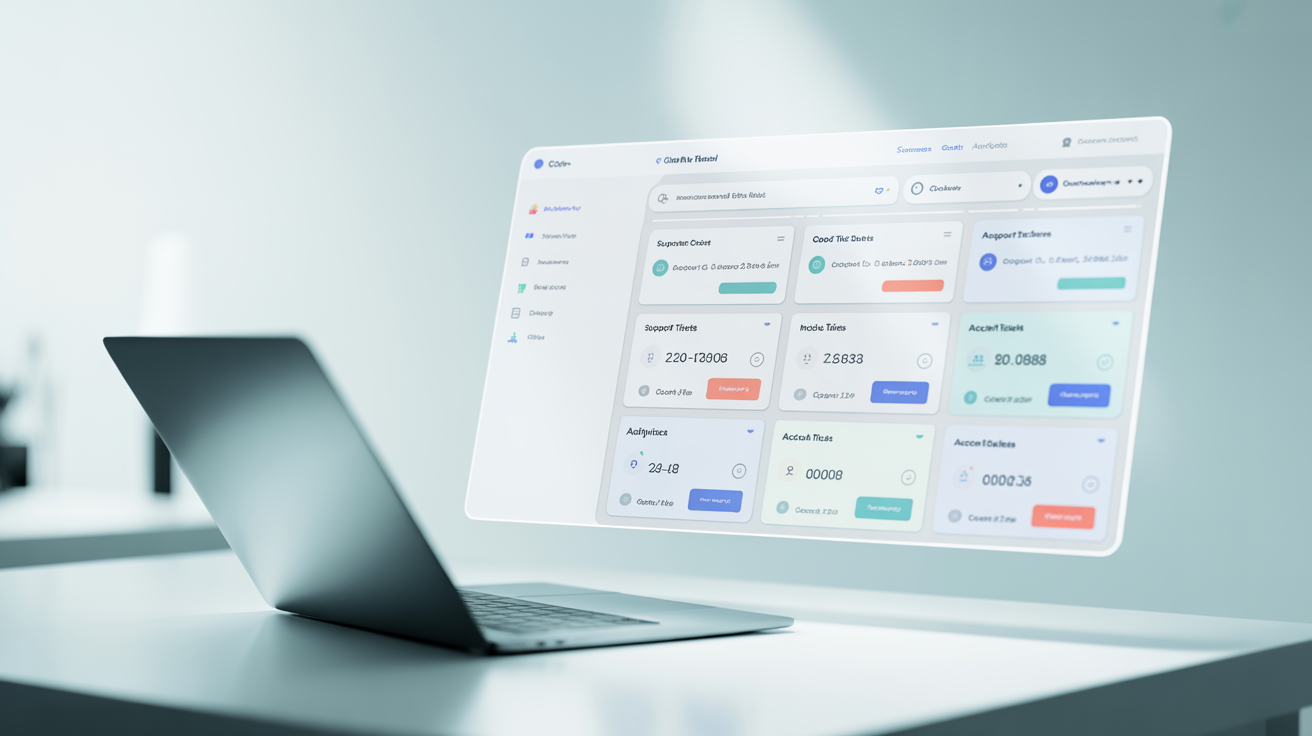
A client portal is a secure, branded online area where your customers can log in to access everything related to their relationship with your SaaS company. While your core app delivers the primary functionality, the client portal wraps that experience with all the operational and relationship layers around it.
Typical elements of a SaaS client portal
Account overview: Usage stats, plan details, renewal dates, and key metrics.
Billing & subscriptions: Invoices, payment methods, upgrade/downgrade options.
Support & tickets: Submit, track, and respond to support requests.
Onboarding & training: Guides, checklists, implementation progress.
Documents & assets: Contracts, NDAs, reports, shared files.
Communication hub: Messages, updates, and shared notes between your team and the client.
In short, your SaaS platform solves a business problem; your client portal manages the relationship around that solution.
Why Client Portals Matter So Much in SaaS
For freelancers and agencies building SaaS products—or running client services on top of SaaS—client portals are a critical differentiator. Here’s why they’re so important.
1. They Boost Customer Retention and Lifetime Value
Churn is the silent killer of SaaS growth. A client portal directly supports retention by making it easier for customers to see value and stay engaged.
With a portal, clients can:
See their ROI: Usage dashboards and outcomes make your impact visible.
Proactively manage their account: No need to email support for basic changes.
Access help anytime: Knowledge base, tickets, and updates in one place.
The more transparent and accessible you make the relationship, the less likely customers are to feel neglected—and the more likely they are to renew and expand.
2. They Reduce Support Volume and Context Switching
Without a client portal, every question turns into an email thread or a support ticket. Your team spends time answering repetitive questions like:
“Can you resend that invoice?”
“What’s our current plan?”
“Where’s the latest report?”
“What’s the status of our request?”
A client portal turns many of these into self-serve tasks:
Clients download their own invoices.
They see live status updates on requests.
They access shared documents on demand.
For freelancers and agencies managing multiple SaaS clients, this is huge. It frees up time for higher-value work—like strategy, product improvements, and upsell conversations—instead of inbox triage.
3. They Professionalize Your Brand and Client Experience
In a crowded SaaS market, professionalism and polish are part of your competitive edge. A branded client portal signals:
Maturity: You have systems, not just a product.
Reliability: Clients know where to go for anything they need.
Trustworthiness: Secure, organized, and transparent access to their data.
For agencies offering SaaS implementations or white-label services, a portal is often the difference between looking like a solo operator and a serious partner. Even if you are a solo operator, a portal helps you show up like a full team.
4. They Centralize Communication and Reduce Misalignment
When communication is scattered across email, Slack, calls, and random docs, things fall through the cracks. A client portal creates a single source of truth for your relationship:
All messages and updates in one thread.
All files and deliverables in one repository.
All decisions and approvals documented in one place.
This is especially valuable for long-term SaaS engagements, custom implementations, or retainers. New stakeholders can log in and instantly see the history and current status—without digging through someone’s inbox.
5. They Support Scalable Onboarding and Implementation
Onboarding is where many SaaS deals stall or fail. A client portal can turn onboarding from a chaotic email chain into a clear, guided process.
For example, your portal can include:
Step-by-step onboarding checklists.
Assigned tasks for both your team and the client.
Progress tracking and deadlines.
Training videos and documentation.
For agencies implementing SaaS for multiple clients, this is a game-changer. You can standardize onboarding across accounts while still tailoring details for each client inside their own private space.
6. They Make Billing and Renewals Frictionless
Billing issues are a common source of frustration—and churn. A client portal helps you avoid surprises and confusion by making money matters transparent.
Inside the portal, clients can:
View invoices and payment history.
Update payment methods securely.
See upcoming renewal dates and terms.
Request plan changes or add-ons.
When billing is easy and predictable, you spend less time chasing payments and more time delivering value.
7. They Enable Premium, White-Glove Service at Scale
Many SaaS businesses layer services on top of their product—strategy, custom setups, consulting, or ongoing optimization. A client portal is the ideal home for this higher-touch relationship.
Think of it as a digital client lounge where you can:
Share custom reports and insights.
Deliver project updates and roadmaps.
Host Q&A threads and feedback loops.
Store shared resources and playbooks.
This lets you deliver a premium, white-glove experience without drowning in one-off emails and ad hoc documents.
Key Features Your SaaS Client Portal Should Have
Not all portals are created equal. To truly support your SaaS business, your portal should focus on usability, clarity, and alignment with how you work.
1. Secure, Role-Based Access
Security is non-negotiable. Your portal should offer:
Authentication: Strong login, SSO/SAML if needed.
Role-based permissions: Different access for admins, managers, and end users.
Granular sharing: Control who sees which documents, projects, or reports.
This is especially important when multiple client teams, departments, or external partners are involved.
2. Branded, User-Friendly Interface
Your portal should look and feel like an extension of your SaaS product:
Add your logo, colors, and domain.
Use clear navigation and labels.
Keep the layout simple—clients shouldn’t need training just to find their invoices.
A confusing portal is worse than no portal at all; focus on clarity first, features second.
3. Centralized Communication
At minimum, your portal should support:
Message threads tied to specific projects, tickets, or deliverables.
Notifications for new messages and updates.
Searchable history so context is never lost.
Centralized messaging helps your team stay aligned and reduces the back-and-forth that clutters inboxes.
4. Document and Asset Sharing
Clients should be able to easily:
Upload and download files.
Access the latest versions of documents.
View reports, contracts, and shared resources.
For SaaS agencies, this is ideal for sharing implementation plans, audit reports, campaign exports, or technical docs.
5. Project, Task, or Request Tracking
Even if your core SaaS isn’t a project management tool, your client relationship still has moving parts. Your portal should allow clients to:
Submit requests or tasks.
See status (e.g., new, in progress, completed).
Know who’s responsible and by when.
This transparency reduces check-in emails like “Any update on this?” and builds trust.
6. Billing & Subscription Management
As mentioned earlier, billing is a critical part of the portal experience. Aim to include:
Invoice history and download links.
Subscription details and renewal dates.
Buttons or forms for plan changes and add-ons.
If your billing is handled by a separate system, integrate it or link to it clearly from the portal.
7. Analytics, Reports, and Value Dashboards
One of the most powerful uses of a portal is to show value, not just talk about it. Include:
Usage metrics (logins, seats, features used).
Outcome metrics (leads generated, time saved, revenue impacted—where applicable).
Downloadable or interactive reports.
When clients can log in and see tangible results, your renewal conversations become much easier.
How Freelancers and Agencies Can Use Client Portals in SaaS
If you’re a freelancer or agency working in the SaaS space—whether building, implementing, or supporting products—a client portal can transform how you operate.
1. For SaaS Implementations and Onboarding Services
Use a portal to manage:
Discovery questionnaires and intake forms.
Onboarding tasks assigned to both sides.
Integration requirements and credentials (securely).
Training resources and Q&A.
This keeps every implementation consistent and trackable, even as you scale to more clients.
2. For Ongoing SaaS Management and Optimization
Many agencies offer ongoing services around a SaaS product—campaign management, optimization, reporting, or admin support. A portal lets you:
Deliver monthly or quarterly reports.
Collect and prioritize client requests.
Share roadmaps and experiment backlogs.
Keep all stakeholders aligned on goals and results.
This helps you position yourself as a strategic partner, not just a vendor.
3. For Productized SaaS Services
If you sell fixed-scope, recurring services around a SaaS platform (e.g., “Done-for-you CRM setup” or “Monthly analytics reporting”), a portal is the perfect delivery channel:
Standardize your workflows.
Give clients a consistent, repeatable experience.
Automate status updates and communication.
The more productized your services, the more valuable a structured client portal becomes.
Best Practices for Implementing a Client Portal in SaaS
To get the most from a client portal, focus on adoption and usability—not just checking a feature box.
1. Start Simple and Expand Over Time
You don’t need every feature on day one. Launch with the basics:
Secure login.
Core documents and reports.
Simple messaging or ticketing.
Then, based on real client feedback, add billing, dashboards, and more advanced functionality.
2. Design Around Client Journeys
Map out how clients work with you from first login to renewal. Ask:
What do they need during onboarding?
What do they check weekly or monthly?
What do they need at renewal time?
Use these answers to shape your portal navigation and content. Every section should answer a real client need.
3. Make the Portal the Default Channel
To drive adoption, train both your team and clients to use the portal as the primary hub:
Link to the portal in your emails and signatures.
Direct clients there for files, updates, and requests.
Reference portal content during calls and reviews.
The more you use it, the more valuable it becomes.
4. Automate Wherever Possible
Connect your portal to the tools you already use—your SaaS app, CRM, billing, and support systems. Automations can:
Sync invoices and payment status.
Create tasks or tickets from client requests.
Update progress and statuses automatically.
This reduces manual admin work and keeps information up to date without extra effort.
5. Keep Security and Compliance Front and Center
Because portals often contain sensitive data, make sure you:
Use SSL and strong encryption.
Regularly review access and permissions.
Document your security practices for clients.
For SaaS in regulated industries, this can be a major selling point.
How ClientBox Helps SaaS Freelancers and Agencies
ClientBox is built specifically for freelancers and agencies who need a clean, professional way to manage client relationships around SaaS and digital services.
With ClientBox, you can:
Create secure, branded portals for each client.
Centralize communication, files, and deliverables.
Track projects, requests, and onboarding steps.
Share reports and assets in an organized way.
Instead of stitching together email, shared drives, and spreadsheets, ClientBox gives you a single, streamlined hub that feels like a natural extension of your SaaS offering.
Conclusion
In the modern SaaS landscape, a client portal isn’t just a convenience—it’s a strategic asset. It strengthens relationships, reduces churn, and helps you deliver a premium experience without adding more manual work.
Whether you’re building a SaaS product, implementing one for clients, or offering services around it, investing in a thoughtful client portal will pay off in happier customers, smoother operations, and a more scalable business.
If you’re ready to level up how you manage SaaS clients, explore how a dedicated client portal solution like ClientBox can become the backbone of your client experience.